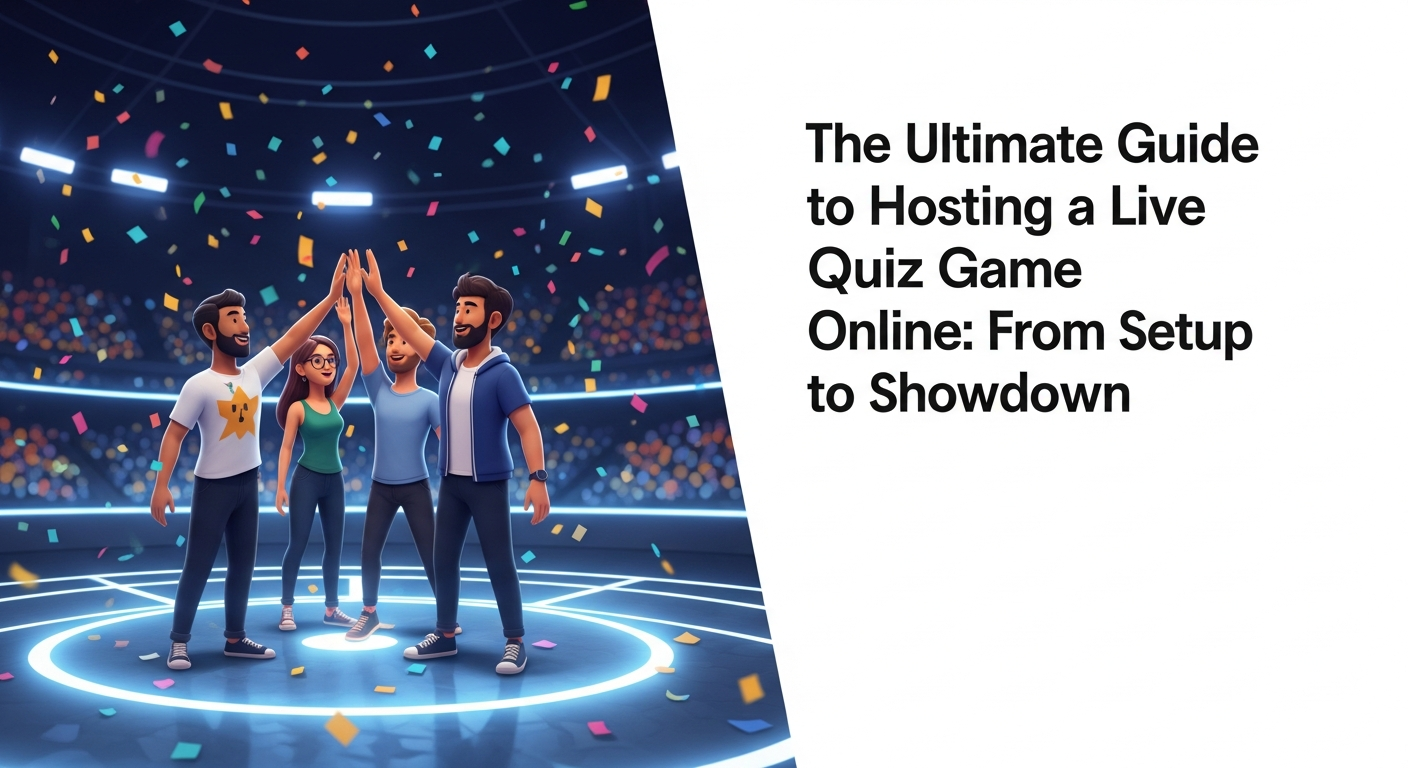
#Introduction: The Digital Shift in Social Gaming
Remember the electric atmosphere of a packed pub on trivia night? The clinking of glasses, the hushed whispers of teammates, and the collective groan when a difficult question was revealed? For decades, trivia has been the cornerstone of social gathering. However, as our world has moved increasingly into digital spaces, the way we compete and connect has undergone a radical transformation. We are no longer tethered to a physical location to enjoy a battle of wits; the "digital shift" has turned every living room into a global arena.
Hosting a live quiz game online is more than just a substitute for in-person events—it is an evolution. Today’s technology allows for a level of speed, interactivity, and multimedia integration that a paper-and-pencil quiz simply cannot match. Whether you are a manager looking to boost morale or a friend group spread across three time zones, the digital quiz has become the ultimate bridge. It’s about more than just finding the right answers; it’s about the shared adrenaline of the countdown and the friendly banter that happens in the chat box.
As a host, you are the Master of Ceremonies in this new frontier. You aren't just clicking "next" on a slideshow; you are orchestrating an experience. By leveraging modern tools, you can transform a standard video call into a high-stakes, high-energy event that leaves participants talking for weeks. In this guide, we will explore how to master the art of the digital quiz, ensuring your next event is nothing short of legendary.
Key Takeaway: The transition to digital social gaming isn't just a convenience; it's an opportunity to enhance engagement through real-time interaction and global accessibility.
#What is a Multiplayer Quiz Platform? (And Why You Need One)
At its core, a multiplayer quiz platform is a specialized software designed to host multiple participants simultaneously in a competitive environment. Unlike a static survey or a one-way broadcast, these platforms are built for synchronicity. They allow the host to push questions to players' devices in real-time, collect answers instantly, and display results on a shared screen. This creates a "second-screen" experience where players watch the main broadcast while using their smartphones as game controllers.
Why do you need a dedicated platform instead of just reading questions over Zoom? The answer lies in the "live" factor. A dedicated platform handles the heavy lifting of timing, scoring, and verification. It eliminates the "he-said-she-said" of manual grading and provides instant gratification. When a player sees their name climb the ranks immediately after a correct answer, the dopamine hit is immediate. This level of automation allows the host to focus on the performance—keeping the energy high and the commentary witty—rather than fumbling with a spreadsheet.
Furthermore, these platforms often come equipped with an interactive quiz creator, allowing you to move beyond simple text. You can embed videos, audio clips, and high-resolution images to make your questions more dynamic. This versatility is essential for keeping modern audiences engaged. In a world of short attention spans, a robust platform provides the pacing and visual flair necessary to keep everyone glued to their screens from the first question to the final results.
Key Takeaway: A dedicated multiplayer platform automates the technical logistics, allowing the host to focus on entertainment and audience engagement.
#Key Features to Look for in a Quiz Game Night App
When selecting a quiz game night app, not all software is created equal. To host a professional-grade event, you need to look for features that prioritize both the host's control and the player's experience. First and foremost, look for real-time leaderboard features. A leaderboard that updates dynamically after every question is the engine of competition. It builds tension, encourages "comeback" narratives, and gives the host natural talking points to call out top performers or those on a "streak."
Secondly, customization is king. A high-quality tool should offer customizable trivia for groups, allowing you to tailor the content to your specific audience. Can you change the time limits for harder questions? Can you add your own branding or inside jokes? The ability to "white-label" the experience—even if just through custom themes—makes the event feel bespoke and thoughtful. Additionally, look for platforms that support various question types, such as multiple-choice, open-ended, image-matching, or even "poll" questions for icebreakers.
Finally, consider the accessibility and "join-ability" of the app. The best tools require no app downloads for the players; a simple QR code or a URL with a join code is the gold standard. You want to minimize the "friction to fun." If a player has to spend ten minutes setting up an account, you’ve already lost their momentum. Reliability is the silent hero of any digital event—ensure the platform can handle the number of participants you expect without lagging or crashing.
Key Takeaway: Prioritize real-time leaderboards, deep customization, and low-friction entry points to ensure a professional and seamless player experience.
#Step-by-Step: How to Host a Live Quiz Game Online Like a Pro
To host quiz game sessions that people actually enjoy, you must approach it like a television producer. The first step is the "Pre-Show." Ten minutes before the official start time, have a "Lobby" screen visible with upbeat music and clear instructions on how to join. This gives latecomers time to settle in and builds anticipation. Use this time to welcome people by name as they appear on the screen, creating an immediate sense of community.
The second step is the "Opening Salvo." Once you begin, don't jump straight into the hardest questions. Start with two or three "gimme" questions to build confidence and ensure everyone's device is working correctly. As the host, your role is to narrate the action. Don't just read the question and wait in silence. Provide context, crack a joke about a particularly tricky distractor answer, and use the leaderboard to create "rivalries" between participants. "Oh, Sarah is closing in on Dave! One more right answer and we have a new leader!"
The third step is the "Grand Finale." The final round should carry more weight—perhaps double points or a "fastest finger" bonus. Once the winner is declared, don't just end the call. Celebrate the top three, share a "fun fact" about the winner, and provide a clear call to action, such as announcing the date for the next game. Managing the flow from the lobby to the podium is what separates a mediocre host from a master digital MC.
Key Takeaway: Successful hosting requires a structured flow: an inviting pre-show, an energetic mid-game narration, and a celebratory climax.
#The Psychology of Engagement: Why We Love Online Trivia With Friends
Why does online trivia with friends feel so addictive? It taps into several fundamental psychological drivers: social validation, the "Zeigarnik Effect," and the thrill of competition. Social validation occurs when we demonstrate our knowledge in front of our peers; it’s a modern version of the "expert" role in a tribe. When the leaderboard shows you’re in the lead, it’s a public acknowledgement of your competence, which triggers a significant release of dopamine.
The Zeigarnik Effect is the psychological phenomenon where people remember uncompleted or interrupted tasks better than completed ones. In a quiz format, every question is a "tension loop" that demands a resolution. We feel an innate need to close that loop by finding the answer. This keeps participants cognitively locked into the game. Furthermore, the "near-miss" element—seeing you were only 0.5 seconds slower than the winner—creates a "just one more round" mentality that is incredibly powerful for engagement.
Beyond the competition, these games act as remote social engagement tools that facilitate "low-stakes interaction." In a standard video call, there is often pressure to fill the silence with meaningful conversation. In a quiz, the game provides the structure. People can interact through the lens of the questions, which lowers the social anxiety often associated with virtual gatherings. It provides a shared "enemy" (the difficult questions) and a shared goal (the win), which fosters a sense of unity even across vast distances.
Key Takeaway: Trivia leverages dopamine and social structures to create a low-pressure, high-engagement environment that fosters genuine connection.
#Use Cases: From Corporate Team Building to Virtual Happy Hours
The beauty of a live quiz is its versatility. In the corporate world, virtual team building trivia has become a vital tool for HR departments. It breaks the monotony of "Zoom fatigue" and allows employees to interact in a non-work capacity. Companies use quizzes for onboarding (learning company history), product training (testing knowledge of new features), or simply as a "Friday Wind-down" to celebrate a successful week. It’s a way to build culture without the cringe factor often associated with traditional team-building exercises.
On the social side, the "Virtual Happy Hour" has been revolutionized by the digital quiz. Rather than everyone talking over each other on a screen, a quiz provides a focal point. Families use them for holiday reunions, creating "Family Lore" quizzes where the questions are about Grandma’s secret recipes or embarrassing childhood stories. This level of personalization makes the technology disappear, leaving only the emotional connection behind.
Educational institutions and non-profits are also getting in on the action. Teachers use live quizzes to flip the classroom, turning a history lesson into a competitive game that students actually look forward to. Non-profits use them for "Trivia Night Fundraisers," where participants pay an entry fee to compete for prizes, all while learning about the organization’s mission. The use cases are limited only by your imagination; if you have a group of people and a topic, you have a quiz.
Key Takeaway: Whether for corporate culture or family bonding, live quizzes provide a structured, fun way to meet specific social or organizational goals.
#Technical Tips: Ensuring a Smooth Experience for All Players
Nothing kills the vibe of a live quiz game online faster than technical glitches. As the host, your first priority is your own connection. Always use a wired ethernet connection if possible; Wi-Fi is prone to "jitter," which can cause your audio to lag behind the game screen. Additionally, ensure you are using a high-quality microphone. If the players can’t hear your witty commentary or the instructions clearly, the engagement will plummet.
When it comes to the players, remind them to "close their tabs." Running a live quiz along with a video conferencing tool like Teams or Zoom can be taxing on older laptops or mobile devices. Suggest that players use their phone for the game and their computer for the video call. This "dual-device" setup is the most stable way to play. Also, always have a "Plan B" for your questions. If a video clip fails to load, be ready to describe the scene or skip to a backup question without making a big deal of the technical hiccup.
Lastly, consider the "sync" between your broadcast and the game platform. Most video streaming services have a delay of 3–15 seconds. If you read the question out loud before it appears on their phones, you might give some players an unfair advantage. Use the platform’s built-in "Show Question on Player Device" feature to ensure that the timer starts for everyone at the exact same millisecond, regardless of the stream delay.
Key Takeaway: Technical stability is the foundation of a good game; use wired connections, encourage dual-device play, and account for stream latency.
#Creative Theme Ideas for Your Next Hosted Quiz
To keep your audience coming back, you need to think outside the "General Knowledge" box. Using an interactive quiz creator, you can build themes that resonate deeply with your specific crowd. For a corporate setting, try a "Time Traveler" theme where questions are based on the year the company was founded—pop culture, news, and music from that specific era. This creates a nostalgic atmosphere that feels more like a party than a training session.
For friends, "Hyper-Niche" nights are always a hit. Instead of "Movies," try "The Cinematic Universe of 90s Rom-Coms" or "Badly Explained Plotlines." You can also do a "Soundtrack Challenge" where you play 5 seconds of a song, and players have to guess the movie it’s from. Another popular idea is the "Personal Trivia" round, where participants submit a "weird fact" about themselves beforehand, and others have to guess who it belongs to. This is one of the best remote social engagement tools for building deeper friendships.
Seasonal themes are also a "low-hanging fruit" for hosts. From "Spooky Science" in October to "Year in Review" in December, aligning your quiz with the calendar makes it feel relevant and timely. Don't be afraid to use "Visual Puzzles"—zoomed-in photos of everyday objects, or "Emoji Pictionary" where players have to decode a movie title from a string of icons. The more creative the questions, the more "Master of Ceremonies" credit you’ll earn from your players.
Key Takeaway: Creative, niche, and personalized themes transform a generic quiz into a memorable event that reflects the unique personality of the group.
#Conclusion: Building Lasting Connections Through Gamification
Hosting a live quiz game online is a powerful way to reclaim the social energy we often lose in digital environments. By stepping into the role of the digital host, you are doing more than just facilitating a game; you are creating a space for laughter, competition, and genuine human connection. From the technical setup to the final leaderboard reveal, every element of the quiz is a tool to bridge the physical distance between us.
As we have explored, the secret to a successful event lies in choosing the right multiplayer quiz platform, mastering the "MC" mindset, and keeping the content fresh and engaging. Whether you are using virtual team building trivia to unite a global workforce or hosting a quiz game night app session for your closest friends, the impact is the same: you are building a community through the power of play.
Now, it’s your turn to take the stage. Don’t wait for the "perfect" occasion—create one. Gather your questions, fire up your platform, and invite your group to a showdown they won't forget. The world of digital hosting is waiting for its next great Master of Ceremonies. Are you ready to start the countdown?
Ready to host your own legendary quiz?
Start building your first interactive game today and see how easy it is to bring people together, one question at a time!
Read next
See all →
The Ultimate Guide to the Best Trivia Games 2026: From Apps to Multiplayer Fun
Looking for the best trivia games of 2026? This comprehensive guide explores the top-rated apps, live competitions, and creative virtual trivia night ideas for groups and adults.
The Ultimate Guide to Hosting a Seamless Live Quiz Game Online
Planning a virtual trivia night? This comprehensive guide covers everything from choosing the right multiplayer quiz platform to engaging your audience with real-time leaderboards and custom questions.
The Ultimate Guide to the Best Trivia Games 2026: Apps, Online, and More
Looking for the top-rated trivia experiences this year? Our comprehensive guide covers the best trivia apps, multiplayer platforms, and AI-powered games for 2026. Whether you're hosting a virtual pub quiz or playing solo, find the perfect game here.